 Cutrova
Cut by deleting text
Delete words in the transcript and the video skips them, gaplessly.
Features
From a raw recording to a captioned, multi-platform, accessible video, every capability below runs locally on your Mac, and most of it is driven by editing the transcript.

Editing
Delete text to cut video, transcribe locally in seconds, tighten every pause, and get media in any way you like.
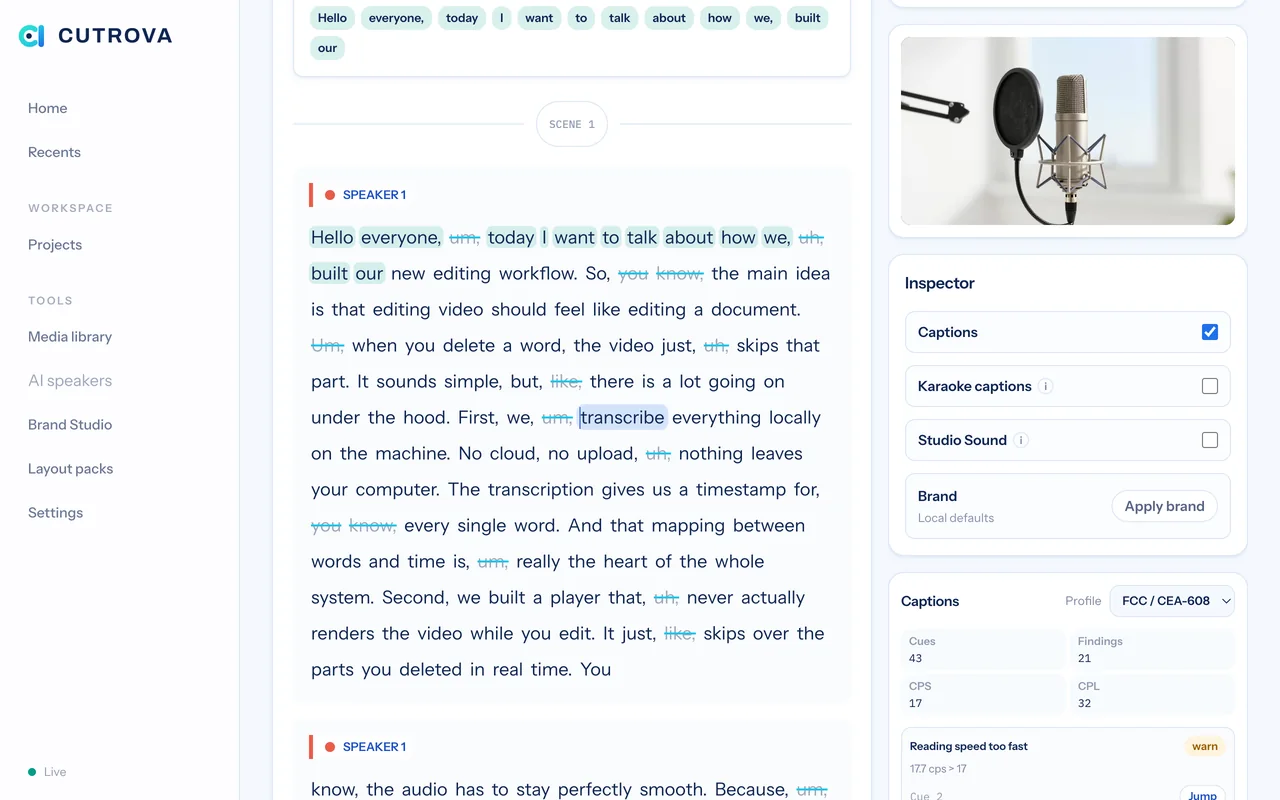
Delete words in the transcript and the video skips them, gaplessly.
Cuts stay visible as struck text, click to bring any of it back.
Split with "/", merge, and reorder, scenes drive chapters and framing.
Label speakers from the script, color-tinted paragraphs.
Fix a word's spelling for captions without changing the audio.
Every edit is an undoable, crash-safe transaction with full history.
About 17x realtime on Apple silicon with word-level timestamps, no upload.
OpenAI or Deepgram when you want them, behind your own key.
Deepgram labels who spoke when, turned into project speakers.
"Um," "uh," and friends are flagged automatically for one-click removal.
Delete every flagged filler across the project in one pass.
Collapse long gaps with a slider, see the time you'll save.
Click a silence badge to collapse a gap, a scene, or the whole timeline.
Find repeated takes of a line and keep just the best one.
Nudge a cut's in/out by a frame to grab or release audio at the seam.
Tint shaky words, jump between them, and fix one everywhere.
Hold a key to A/B a deletion seam, words out vs in, instantly.
Capture & design
Record, import, and dress the video without leaving the project.
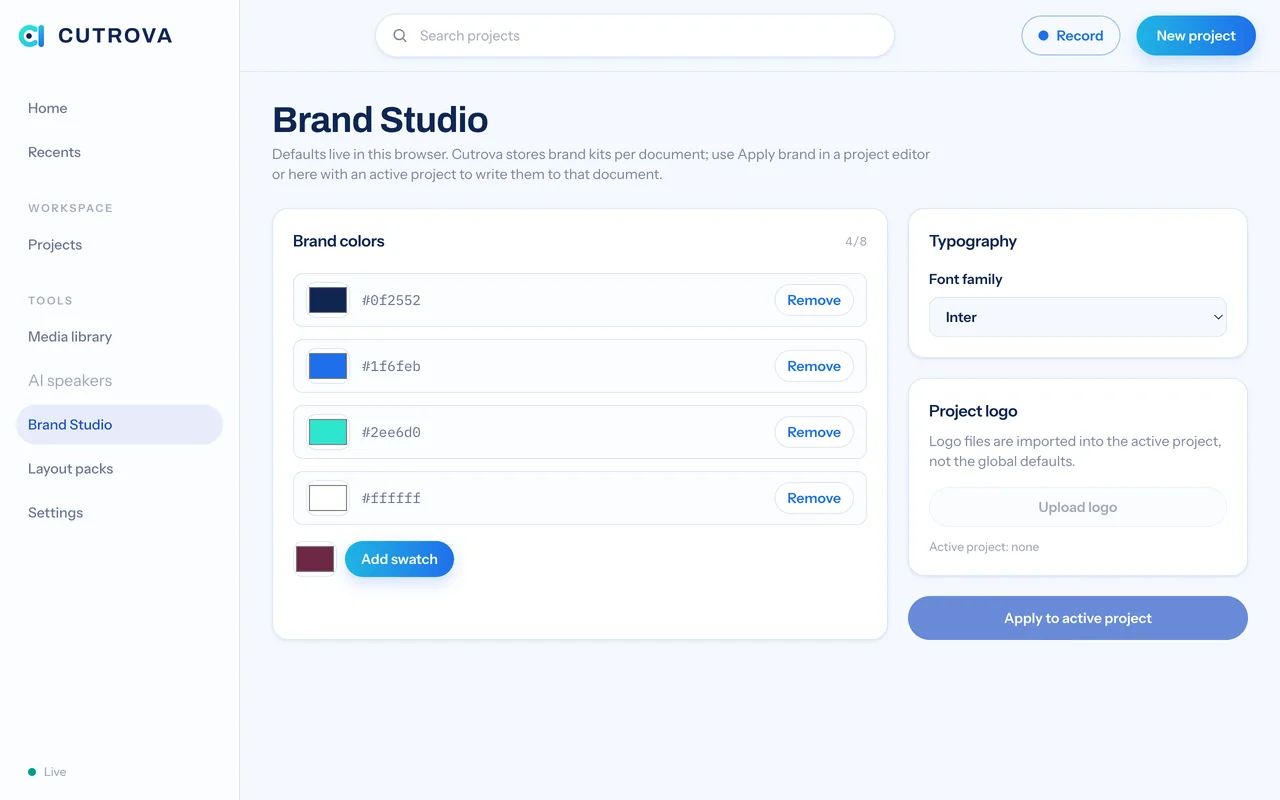
Screen, system audio, webcam, and mic, straight into a project.
Any video or audio file is normalized into editable artifacts.
Auto-import new recordings from folders you choose.
Back up or move a project as one integrity-checked archive.
Drop, edit inline, and burn into export.
Default colors, fonts, and a logo watermark.
Caption and title presets you can apply in a click.
Overlay clips and music with gain and ducking.
Audio
Clean up noise, even out loudness, and catch problems before they ship.
Denoise and even out loudness, the player hot-swaps to the cleaned audio.
A report card: quiet audio, clipping, hum, dead air, dual-mono, with fixes.
Balance each podcast guest toward a target before the master pass.
Captions
Styled, compliant captions that travel wherever your video does.
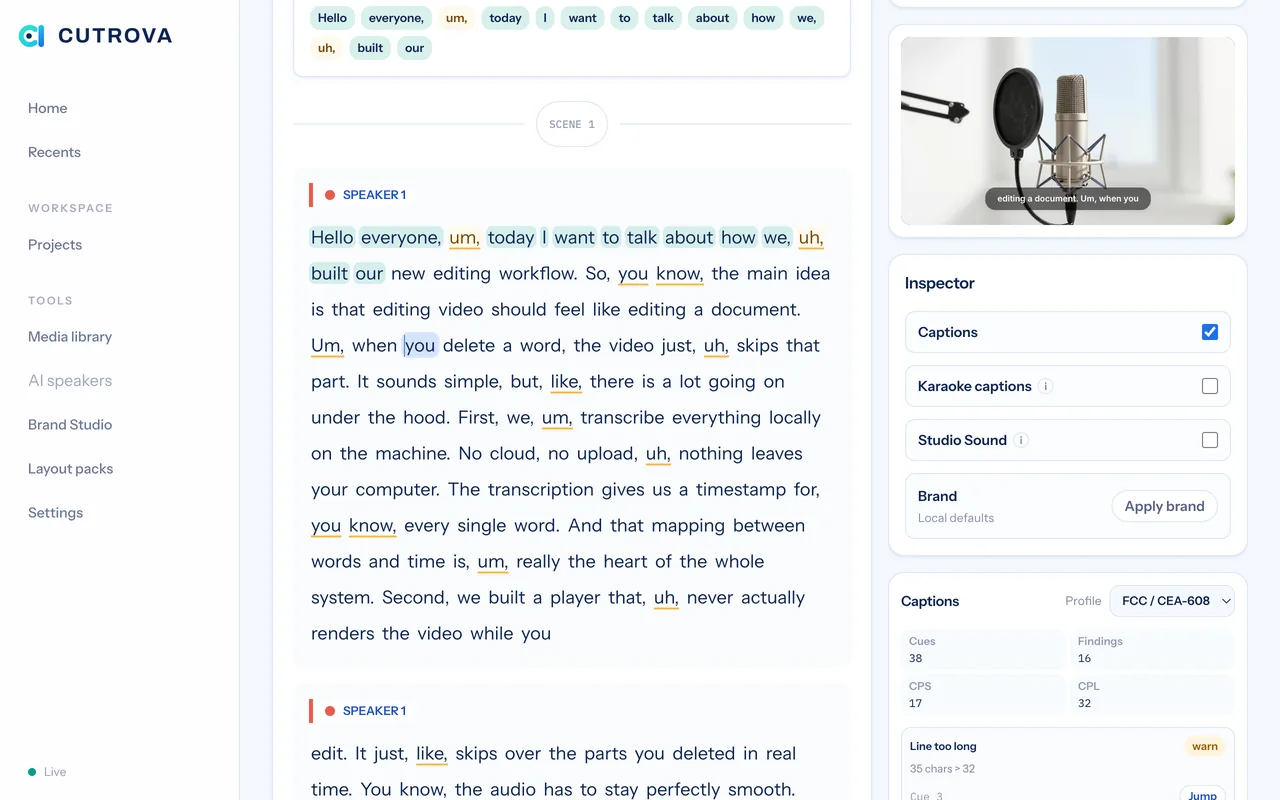
Color, font, and position with a live preview in the canvas.
Word-by-word highlighting that travels on social.
Score cues against FCC, BBC, and Netflix limits and reflow to fix in one click.
Side caption files written with every render.
AI suite
Describe the edit and approve the diff, plus speech, translation, and short-form coaching.
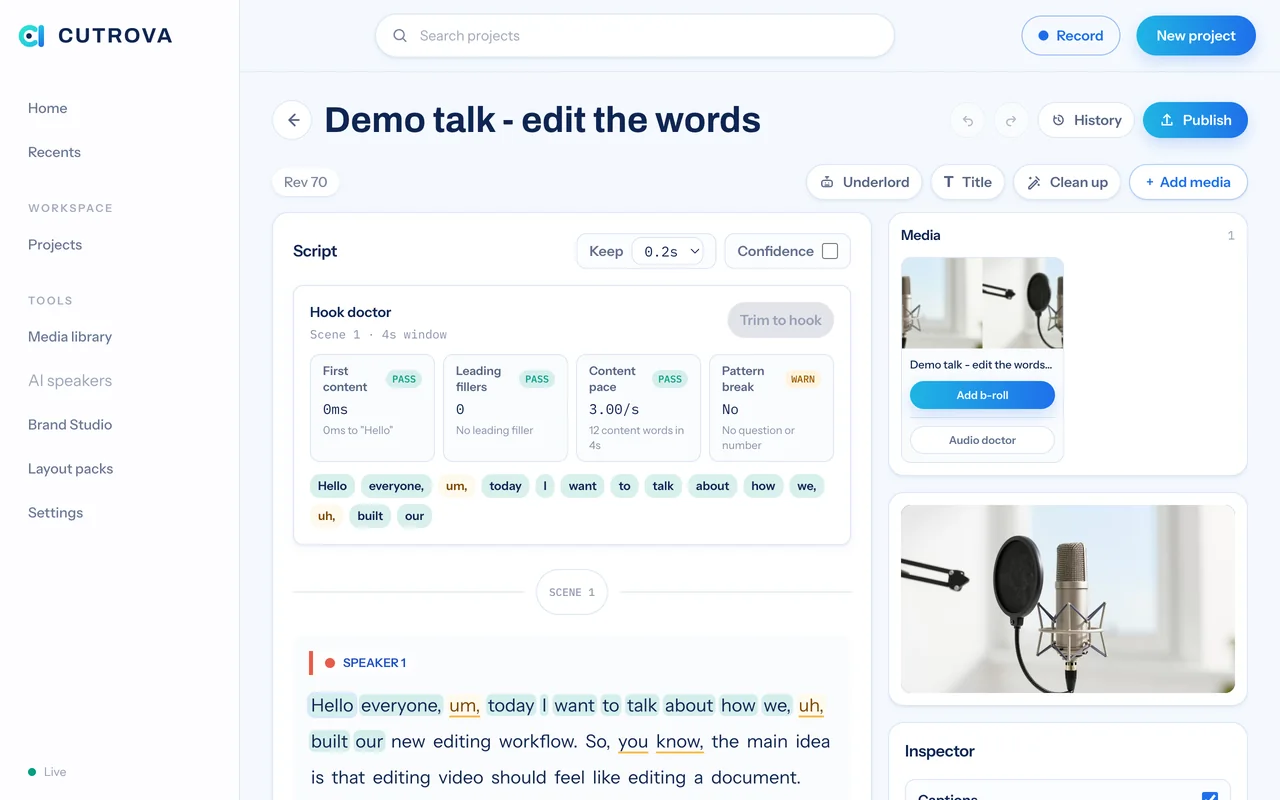
"Cut the boring intro, remove fillers," it edits a draft, you accept or discard.
Fix a flubbed word by typing it, overdub seamlessly.
Clone a speaker's voice from a clean sample, behind a consent step.
Translate captions or dub audio into 10 languages.
Let AI surface the moments most likely to land, ready to batch-export.
Score your cold open on explainable signals and trim the dead pre-roll.
A timeline lane that shows where the edit drags: WPM, dead air, filler.
Underlord can detect and clear repeated takes for you.
Multitrack & podcast
Drop in everyone's recordings and let Cutrova sync, script, and frame the conversation.
Drop 2 to 6 tracks recorded together, Cutrova aligns them to the frame.
One interleaved transcript with a track legend and mute toggles.
Each segment shows whoever is talking.
Auto-build 9:16 framing that crops to the active speaker.
Distribution
Export, publish, and package for wherever your audience is watching.
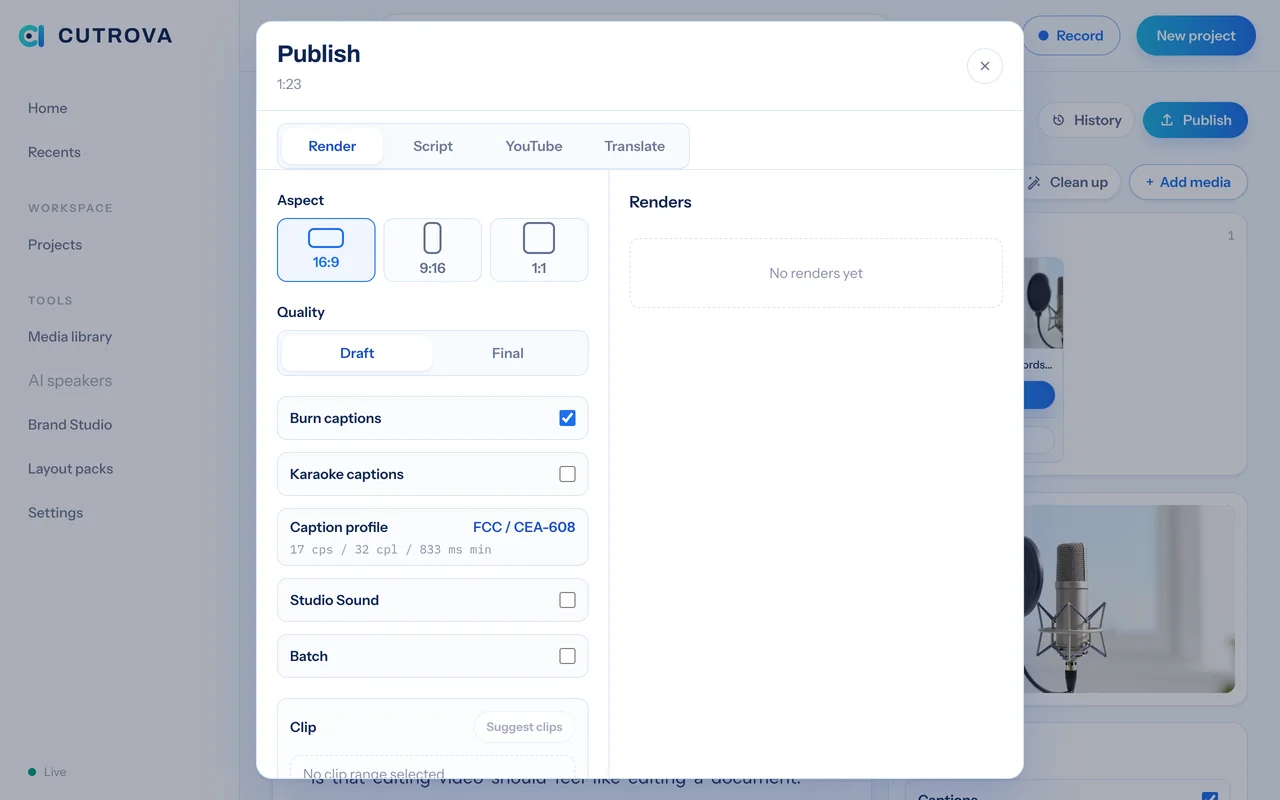
Aspect presets with per-scene framing baked in.
Export just the words you selected.
All presets at once, or one file per AI clip.
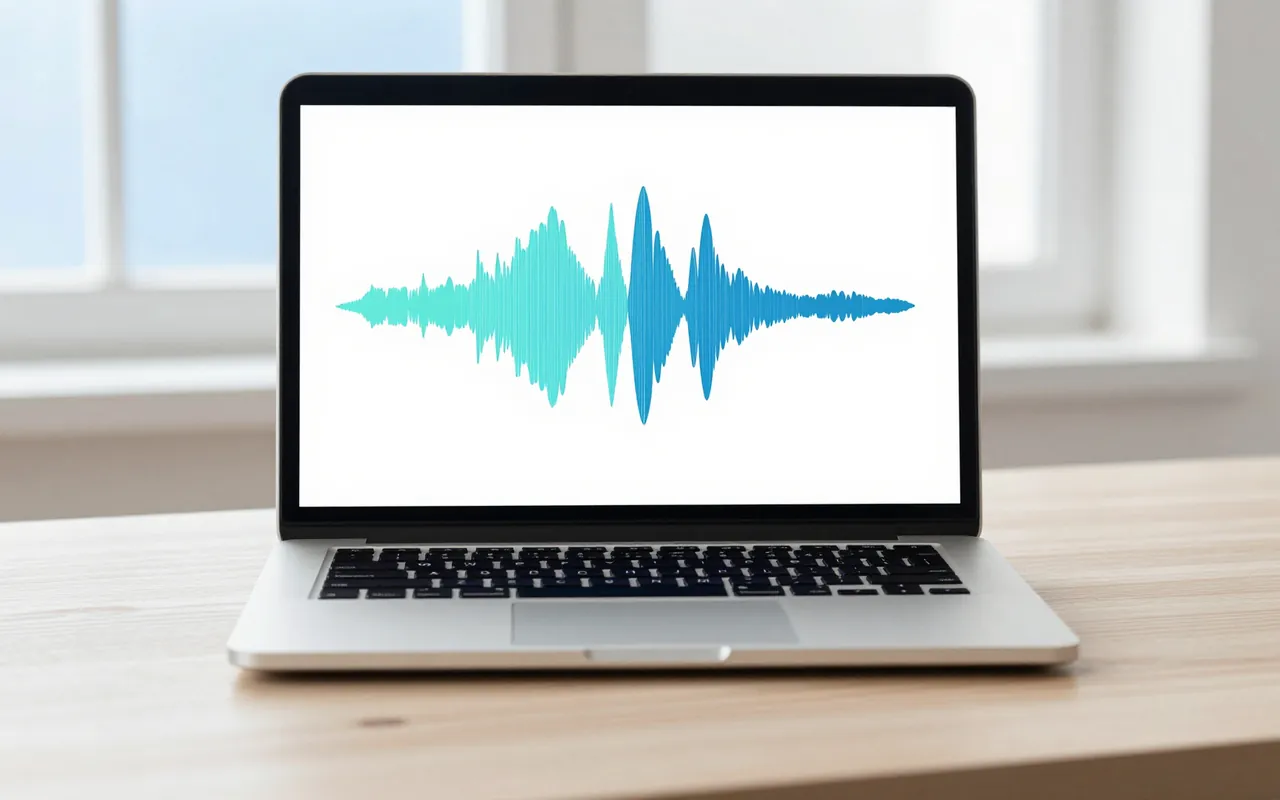
Turn audio-only projects into branded waveform videos.
A local, chrome-less viewer with a copyable link.
Chapters, description, show notes, and the script as MD, text, or HTML.
Accessibility & local-first
Described narration, fast search, and a workflow that never leaves your machine.
Author described narration into the gaps, export descriptive cues.
Find any phrase across every project's transcript and jump to it.
Cmd+K to run any action without leaving the keyboard.
Your media never leaves your machine, works offline.
Named snapshots and forward-only restore.
Early access
Early access is open. Send a mail and we will get you set up.
Write to contact@cutrova.com